ColorPark · UV cloud printing
Your design.
A real printed product.
Photos on phone cases. Logos on gifts. We help you test the result, choose a printer and connect orders from your website or app.
- 01Check what can be printed
- 02Choose equipment and controls
- 03Connect your order system
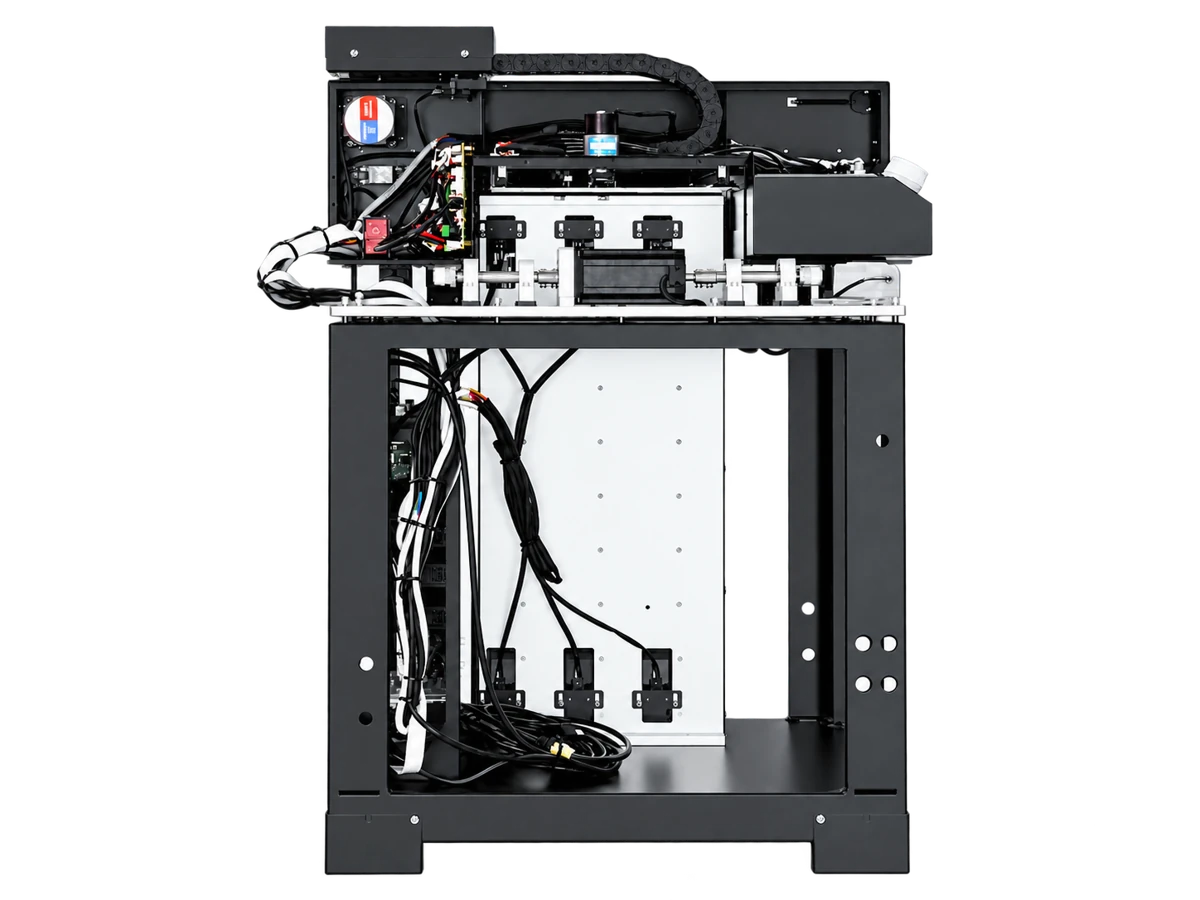 Three-channel UV print module · For self-service integration
Make it yours
A new design. A different look.
Pick a phone case, shirt or golf ball. Try a graphic, or add your own photo or logo. Find a look you like, then explore how to print it.
Pick an object
Choose your design
Real printed products
Everyday products, made personal.
Photos, names, shop marks and children’s drawings can move from screen to everyday objects.
 Custom golf ballsNames and logos on golf balls
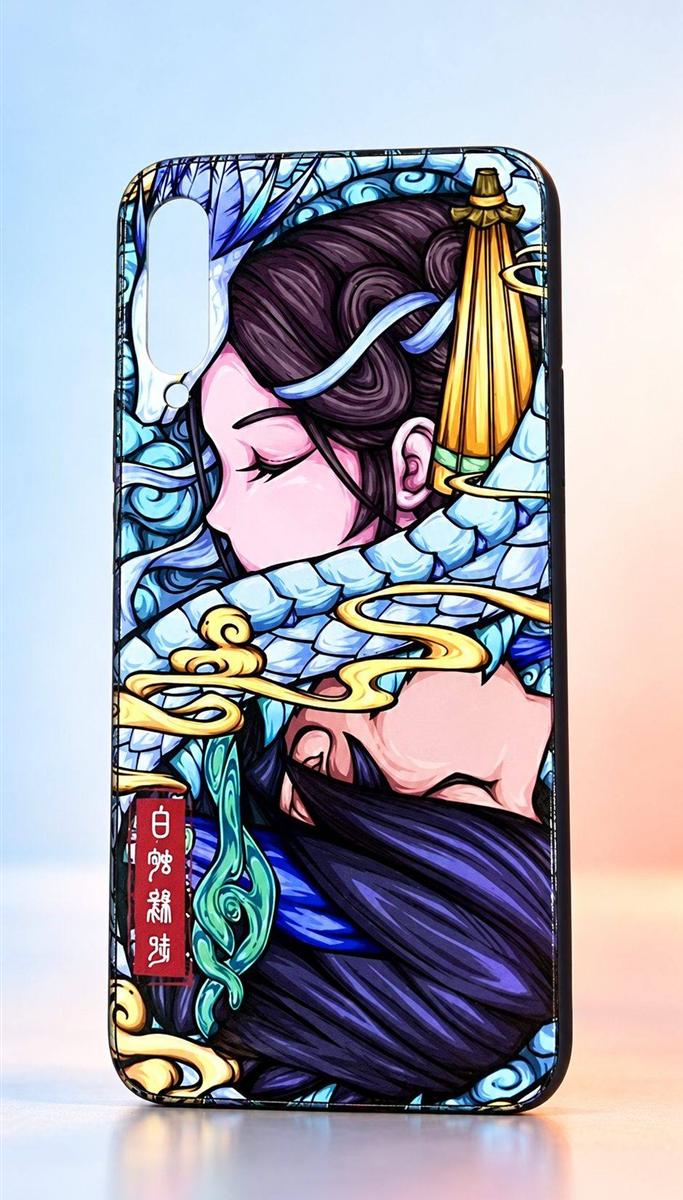 Custom phone casesPhotos and artwork on phone cases
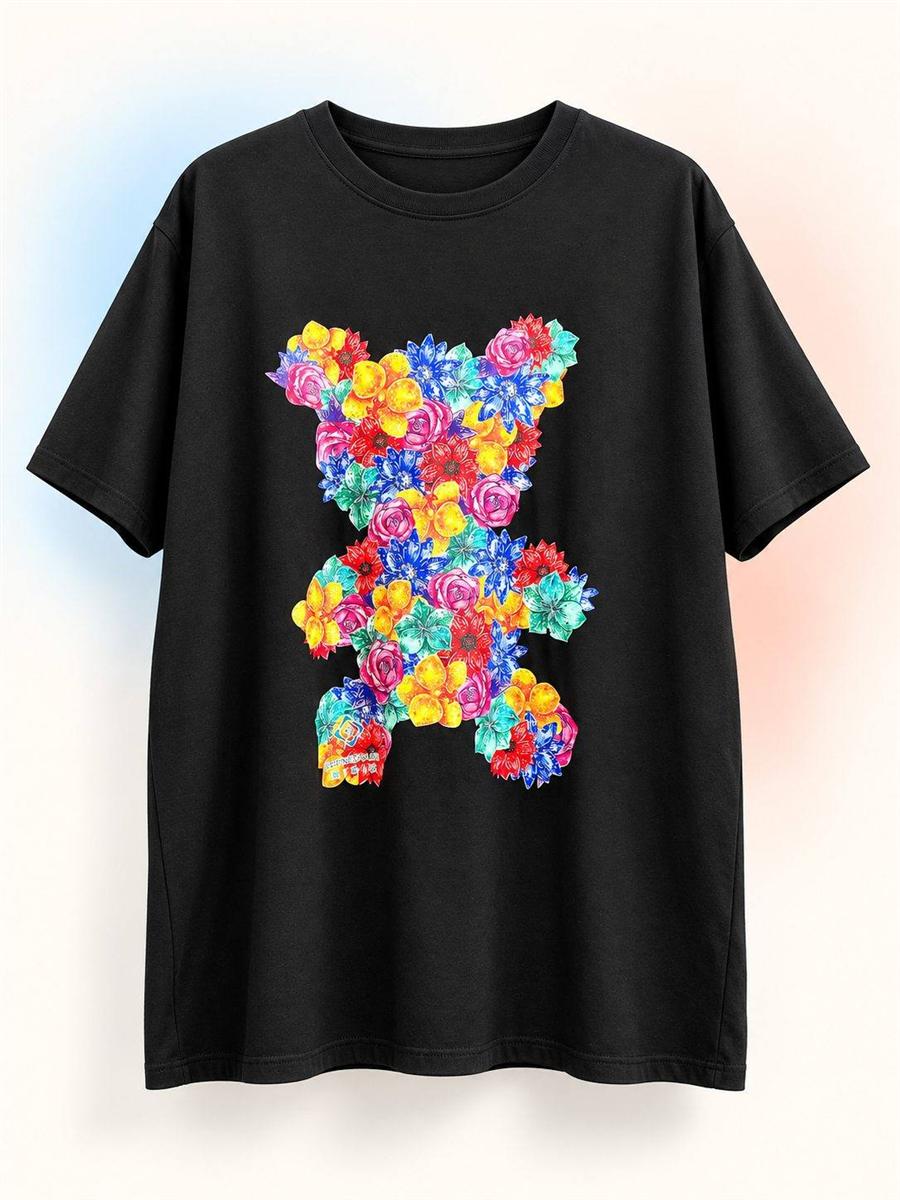 Apparel printsYour favorite graphic on a T-shirt
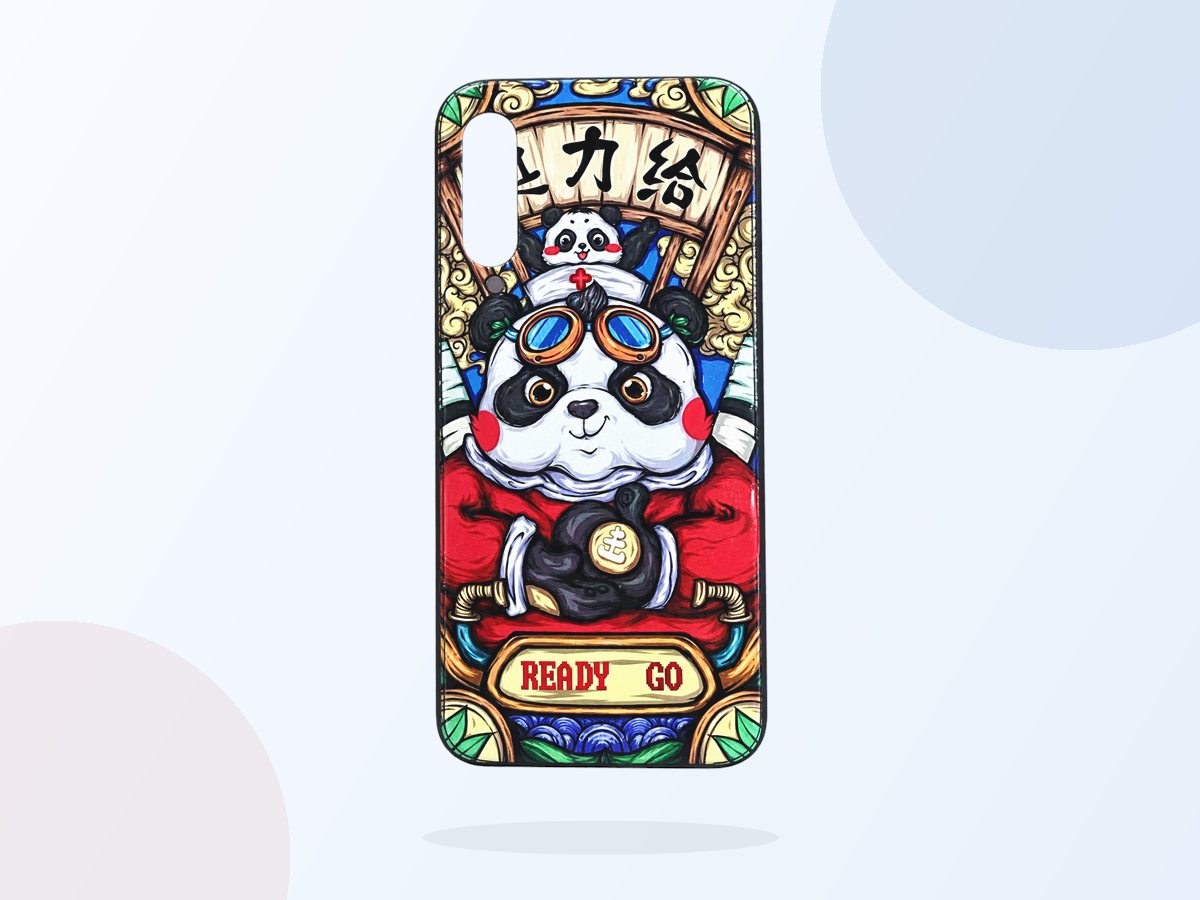 Custom phone casesMake a one-off piece
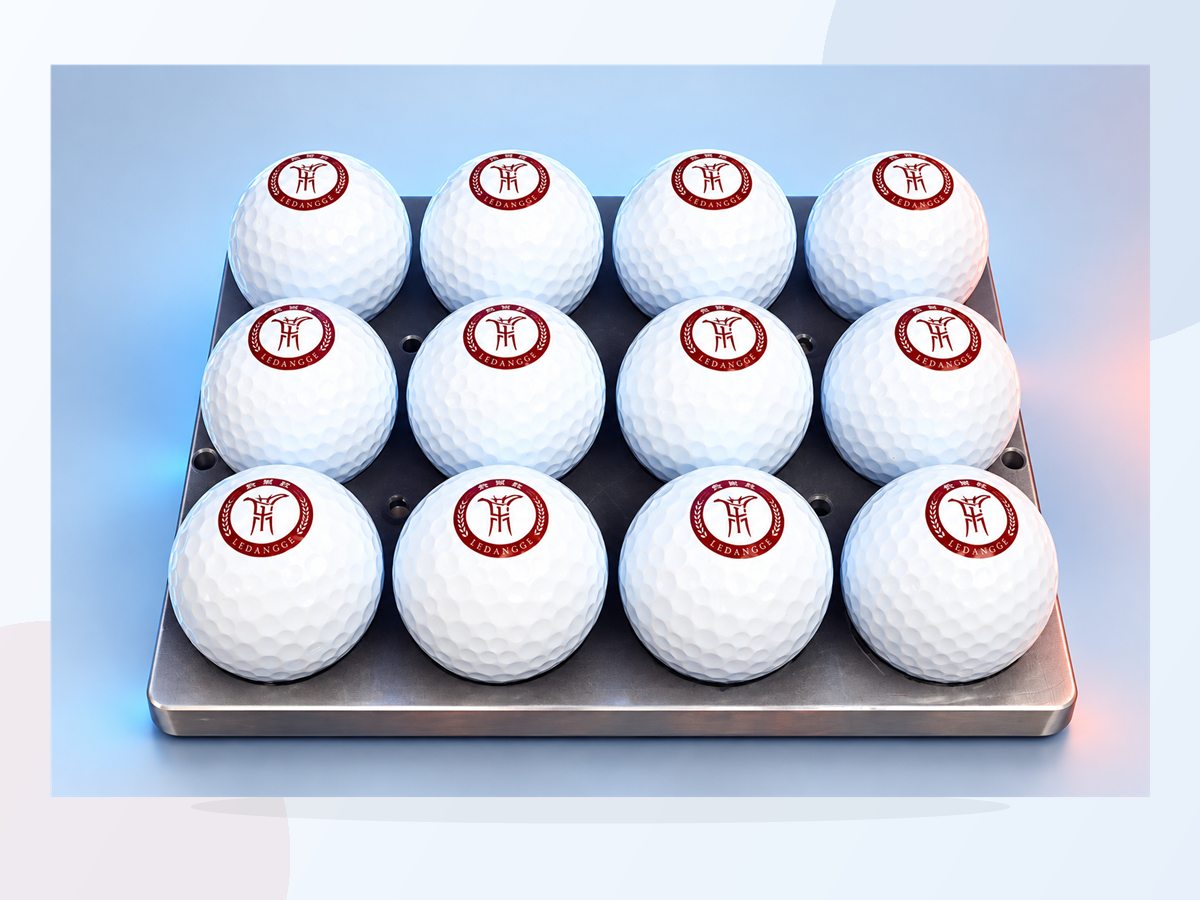 Events and giftsFrom one gift to a whole event
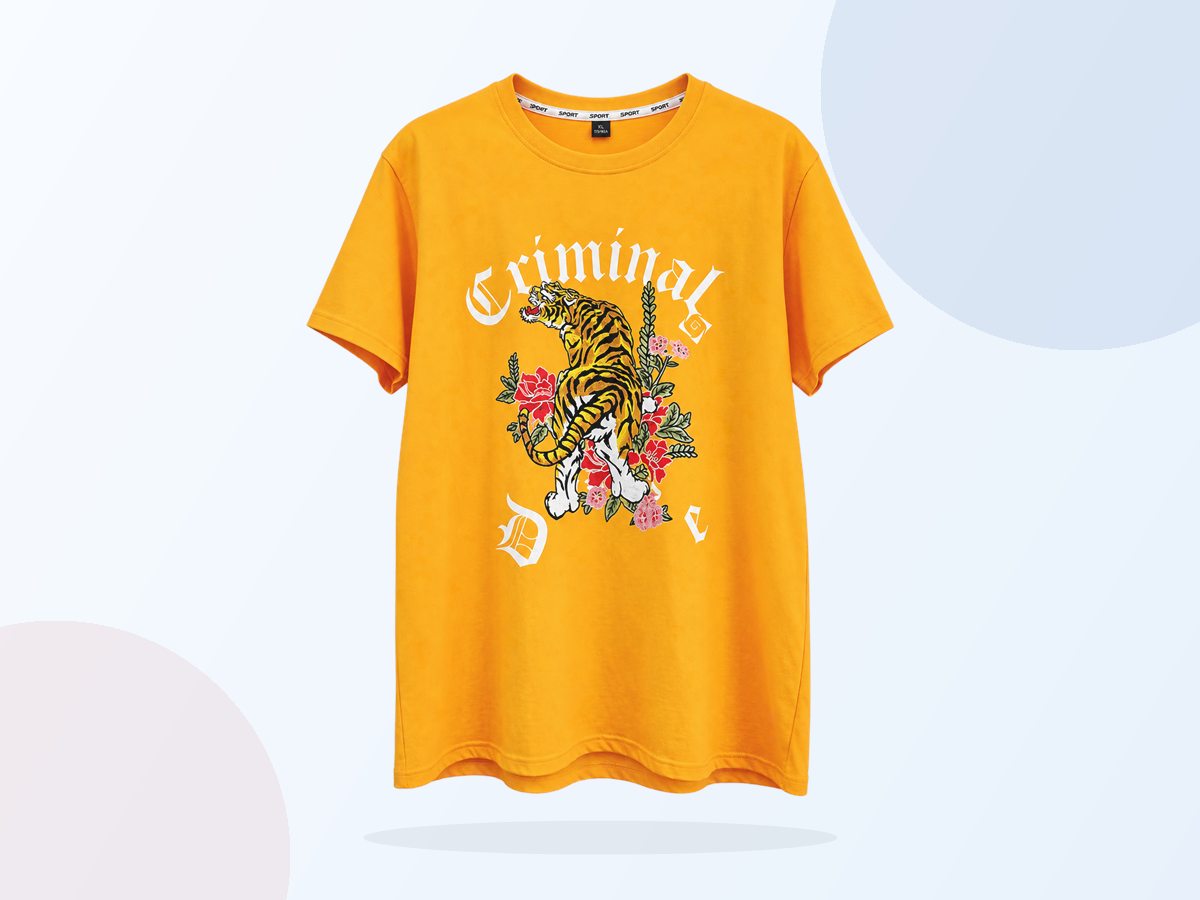 Apparel printsBring vivid artwork into everyday wear
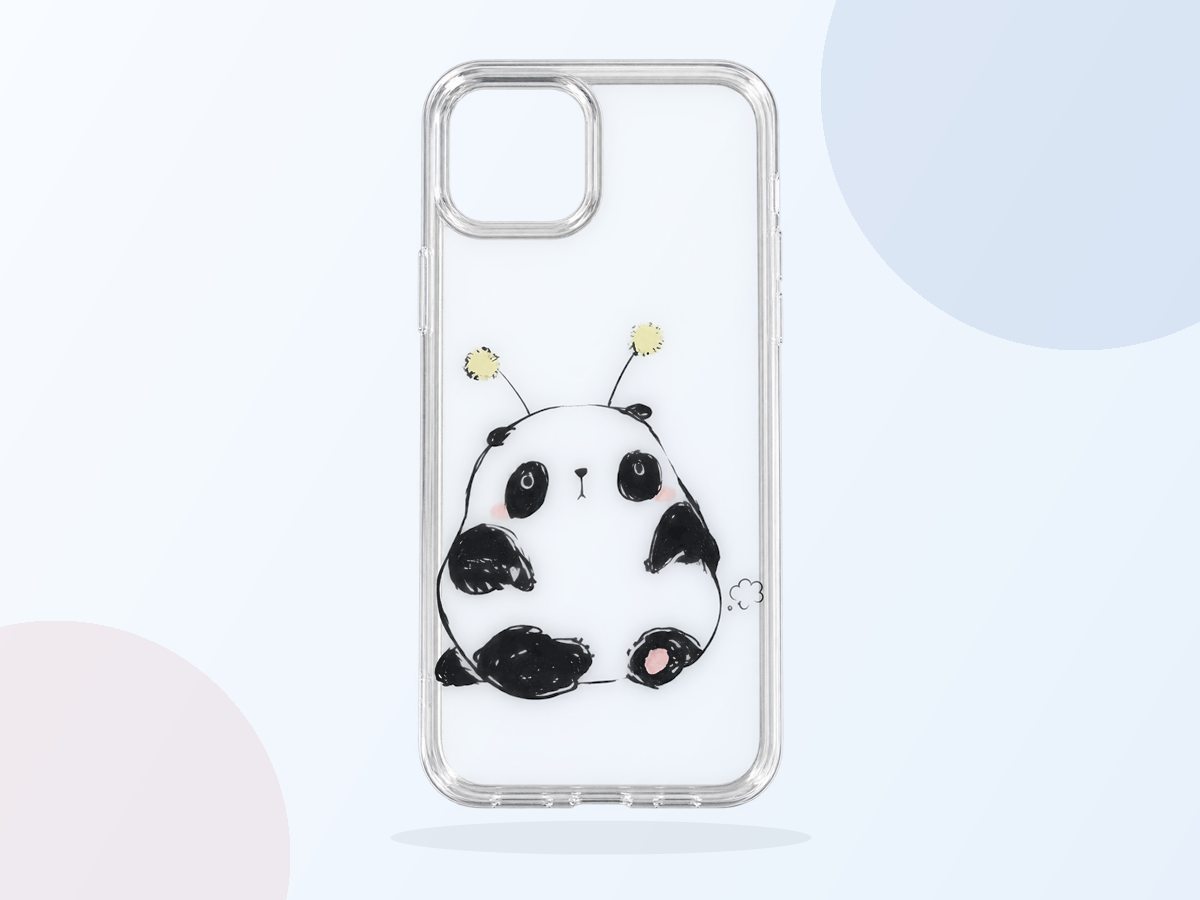 Photos and illustrationsTurn a sketch into something you
carry
Photos and illustrationsTurn a sketch into something you
carry
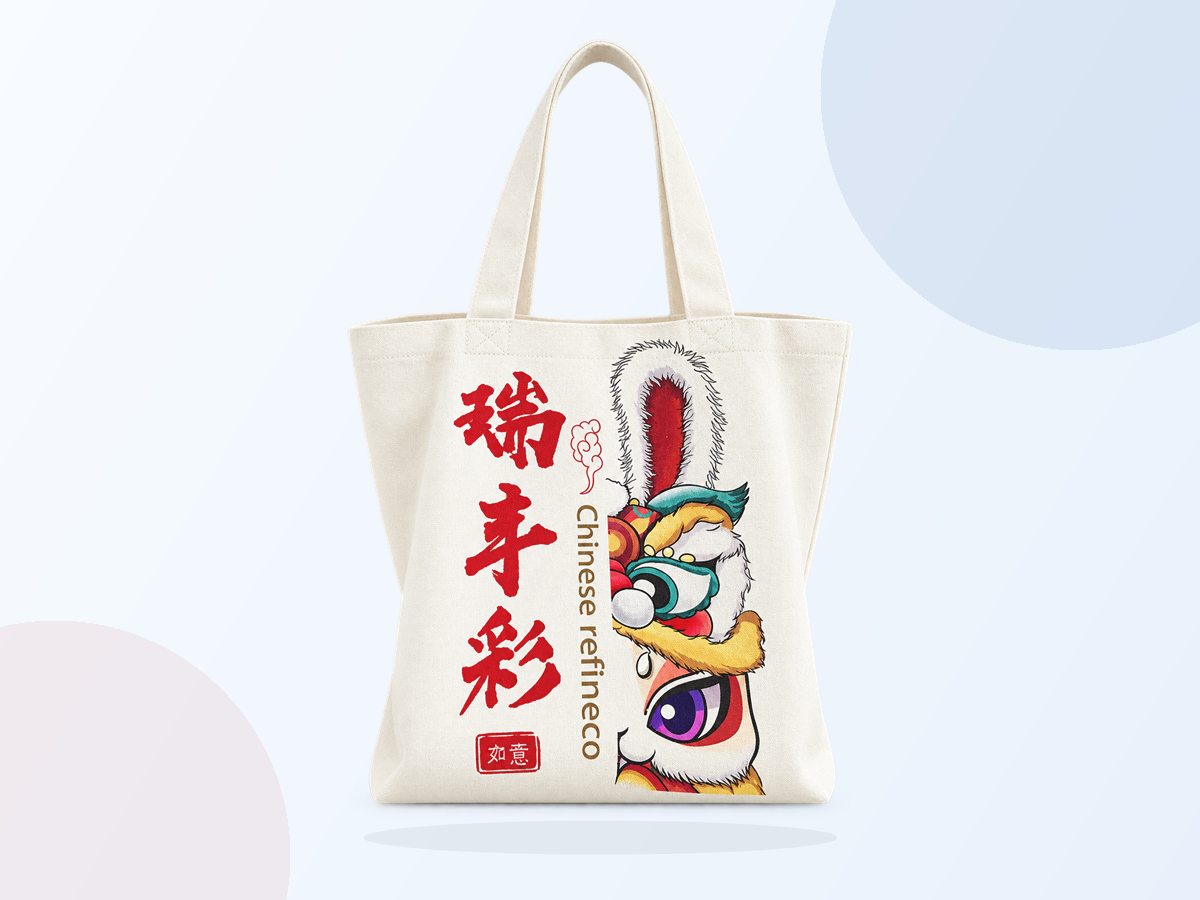 Printed tote bagsGive an everyday object its own
theme
Printed tote bagsGive an everyday object its own
theme
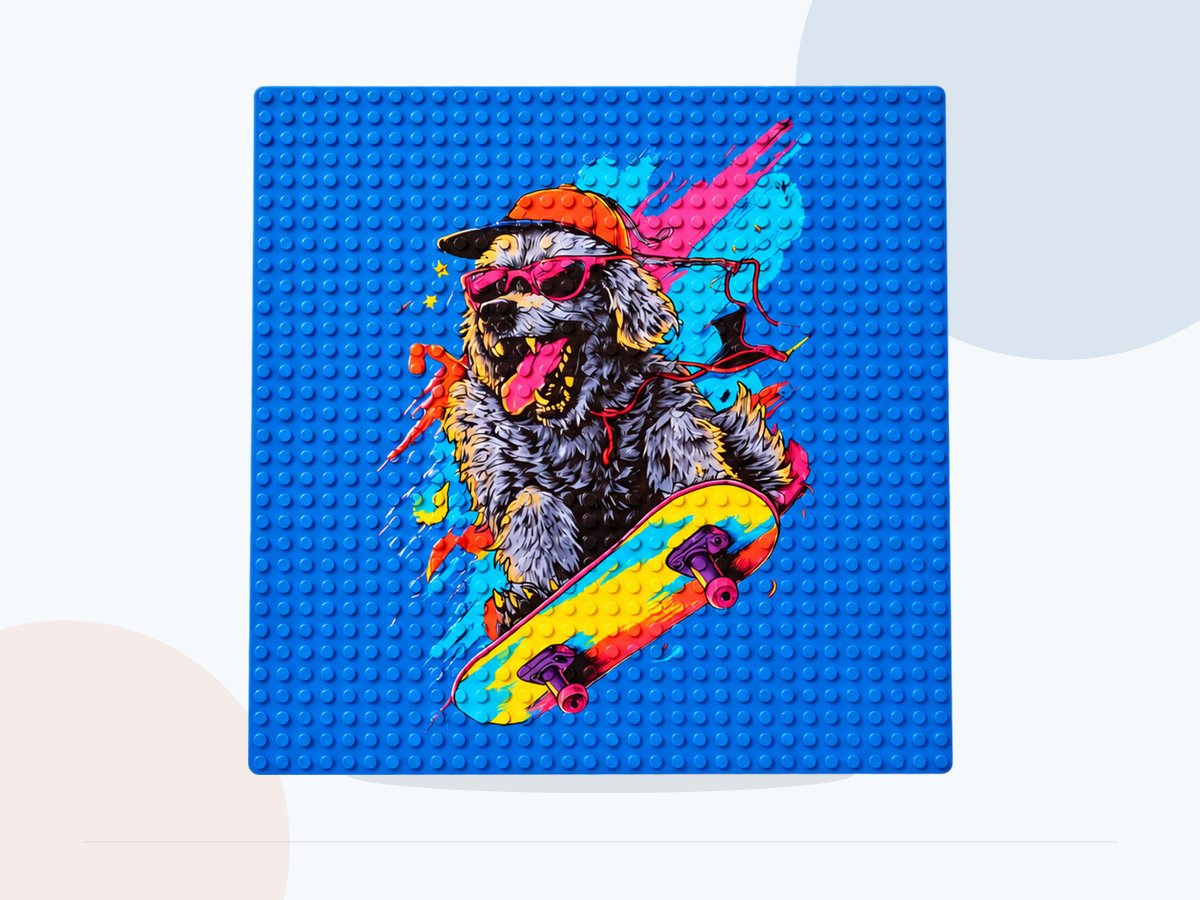 Textured-panel sampleKeep vivid detail on a textured
surface
Textured-panel sampleKeep vivid detail on a textured
surface
 Printed folding fanCarry one landscape across every fold
 Printed art panelHold highlights and depth in dark
artwork
Printed art panelHold highlights and depth in dark
artwork
Print modules and custom devices
Already building a device? Add a print module.
For a kiosk, store terminal or your own machine, start with a print module. Share the object size, available space and operating steps so we can check how it fits.
- 01Enclosure and footprint
- 02Module and mechanics
- 03Control and business APIs
Choose your next step
How do you want to use it?
How printing works
How does a customer get a printed product?
A typical flow is to choose a design, check placement and print. Materials, fixtures and transfer steps vary by product, so confirm the process with a sample.
See the full workflow ↗- 01
Choose your design
Use a photo, logo, text or AI artwork.
- 02
Place the object
Preview placement and get ready to print.
- 03
Collect the result
Check the color and placement before handing the product to your customer.
Orders and print jobs
Already have a website or app? Send orders to a printer.
Create print jobs, query status and bring results back into your own workflow.
01Prepare an account and device
02Connect and check device status
03Send a job and inspect the print
04Return job results to your order system
Samples and equipment advice
Didn’t see what you want to print?
Tell us the object, quantity and workflow. We’ll help assess it.